
AndrOpen Office
Productivity
-
CategoryProductivity
-
Downloads5,000,000+
-
Content RatingEveryone
-
Latest Version5.6.0
-
Offered byAkikazu Yoshikawa
-
Email
-
Policyhttps://www.andropenoffice.com/privacy-policy
📌 Core Features
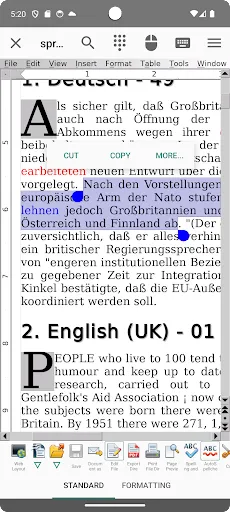
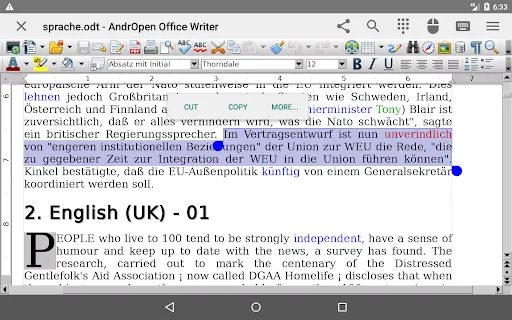
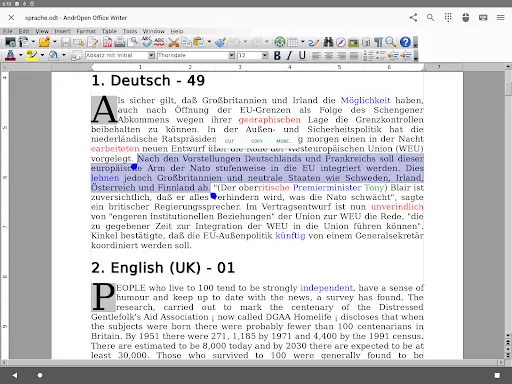
Writer - Full-featured word processor: Supports rich styles, templates, tables, footnotes and complex formatting for long documents. Desktop-oriented tools bring familiar editing power to mobile. 📝
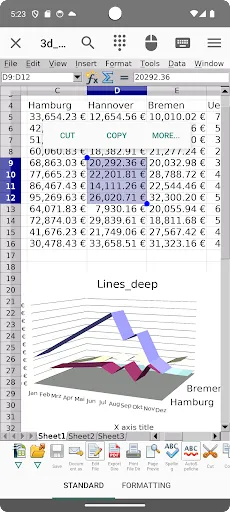
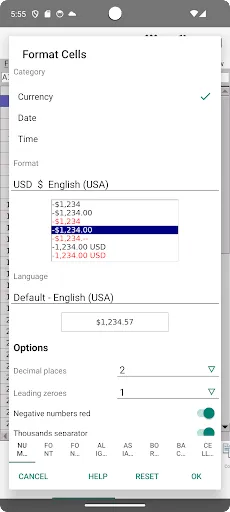
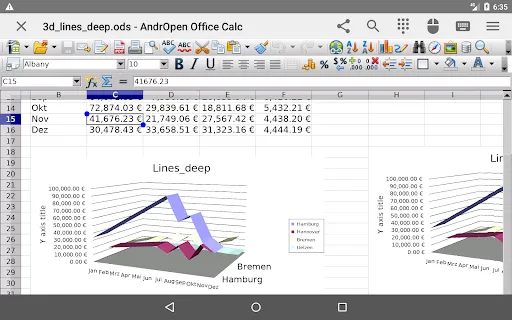
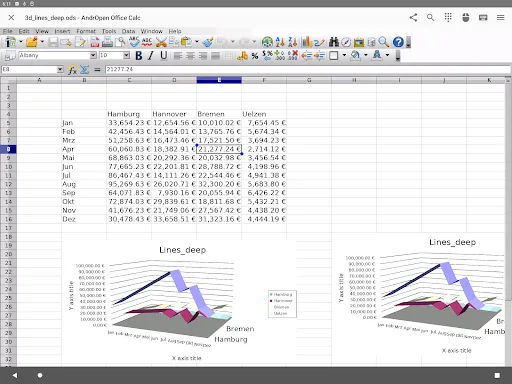
Calc - Advanced spreadsheets: Handles formulas, pivot-like functions, charts and basic macro support to manage numeric workflows. Performance scales with device capability for medium-size sheets. 📊
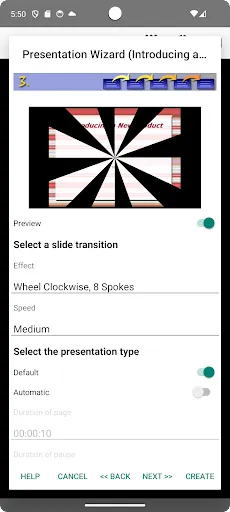
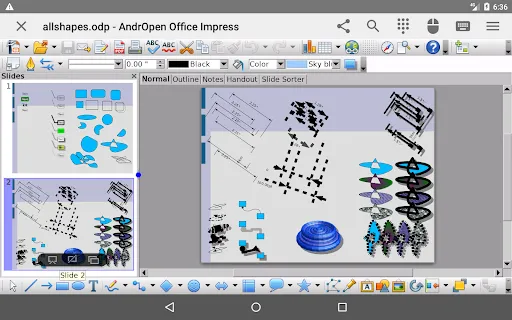
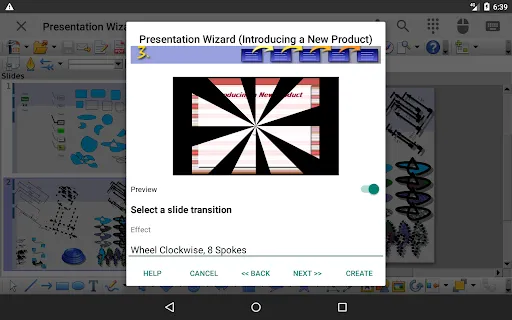
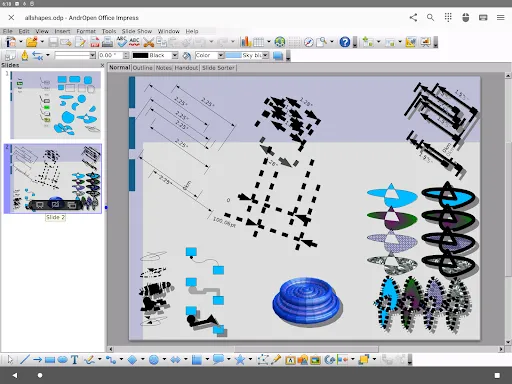
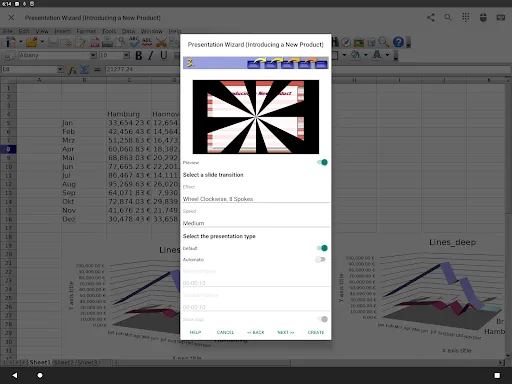
Impress - Presentation creation: Create slides with transitions, layouts and speaker notes to build full presentations on-device. Exports preserve most animations and layout elements. 🎞️
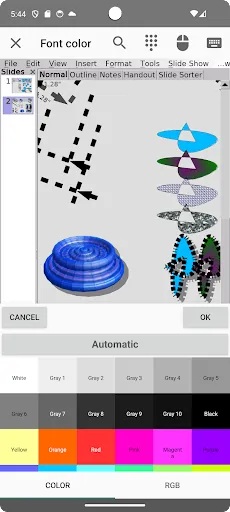
Draw & Math - Graphics and equations: Vector drawing tools and a formula editor enable diagrams, technical sketches and embedded equations. Useful for reports, academic work and visual notes. ✏️
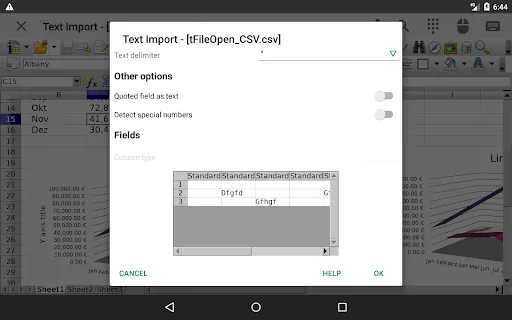
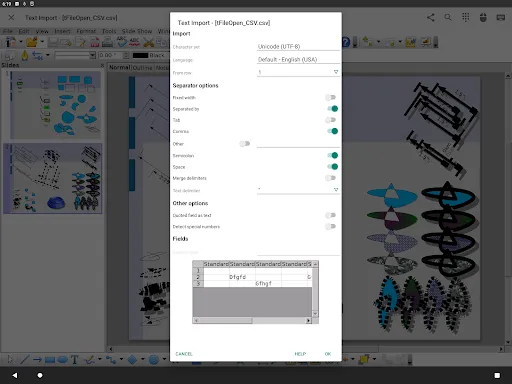
File compatibility and export: Open and save ODF formats, read many Microsoft formats and export to PDF for sharing. Desktop-level compatibility reduces layout surprises across platforms. 📄
👍🏼 Pros
Desktop-grade feature set: Provides nearly all core OpenOffice tools in one package for full-document workflows on Android. Useful for power users who need serious editing features. ✅
Wide format support: Reads and writes ODT, ODS, ODP and several Microsoft formats with reliable export to PDF. Ensures broad compatibility when exchanging files. ⚡
Offline-first and privacy-friendly: Documents are editable locally without forced cloud syncing, keeping sensitive files on-device. Permissions are focused on storage and network access only. 🔒
Open-source engine: Built on the OpenOffice/OpenDocument ecosystem for transparency and long-term compatibility. Community-driven updates help maintain standards compliance. 🌐
Free access to core tools: Core functionality is available without subscription barriers, making it cost-effective for students and professionals. Good for occasional heavy editing without recurring fees. 💾
👎🏼 Cons
Large app size: The suite carries considerable storage and memory overhead compared with lightweight editors. Installation can strain low-storage devices. ⚠️
Desktop-style UI on small screens: Interface elements are optimized for tablets or larger screens and can feel cramped on phones. Touch navigation sometimes requires patience. 🐢
Performance on low-end devices: Complex documents, large spreadsheets or heavy graphics may lag or trigger slowdowns on older hardware. Expect better performance on mid-range and flagship devices. 🖥️
Limited built-in cloud integration: No seamless proprietary cloud sync; cloud access depends on Android file managers or third-party apps. Manual file management may be required for multi-device workflows. 🚫
Occasional compatibility quirks: Some advanced formatting or macros from Office suites can render differently and may need manual fixes. Complex macros and proprietary features are not always supported. 💸
💰 Prices
Free to download with core features available at no charge, making it an attractive option for budget-conscious users. Optional in-app purchases or donations may be offered to remove ads or support development. Premium one-time unlock or donation amounts vary by region and are typically modest. Download and evaluate the free version before opting for paid extras.
Screenshots
Similar Apps
-

Voice Changer by Voice Effects
Amobear Application - Avntech Master Tools3.7 -
AI Security
Ostentus Apps4.1 -
DeepSeek - AI Assistant
DeepSeek4.3 -
VPN Proxy Speed - Super VPN
TOPAPPS TECH PTE LTD4.7 -
Smart QR code Scan
GREAT HEIGHTS PTY LTD4.3 -
QR Scanner: Barcode Scanner
Simple Design Ltd.4.7 -
Vpn proxy master unlimited app
PRIME DIGITAL PTE. LTD.4.7 -
HP
HP Inc.4.1 -
Super Storage Cleaner
Falcon244.3 -
Notes - Notebook, Notepad
Eco Mobile4.6






Trending Apps
>>-
Led Light & 3D Wallpaper App
Tresor Tech4.4 -
The Weather Channel - Radar
The Weather Channel4.6 -
ChatGPT
OpenAI4.8 -
Music Downloader Mp3 Download
Video Downloader & Video Player Team4.8 -
McDonald's
McDonalds USA, LLC4.1 -
Blink Home Monitor
Immedia Semiconductor4.3 -
HP
HP Inc.4.1 -
YouTube
Google LLC3.9 -
NFL
NFL Enterprises LLC2.9 -
Google Drive
Google LLC4.3 -
PlutoTV: Stream Free Movies/TV
Pluto, Inc.3.7 -
Google Translate
Google LLC4.3 -
Yahoo Mail: Email & Planner
Yahoo4.2