Okta Verify
Productivity
-
CategoryProductivity
-
Downloads10,000,000+
-
Content RatingEveryone
-
Latest VersionVARY
-
Offered byOkta Inc.
-
Email
-
Policyhttps://okta.com/privacy-policy/
Screenshots
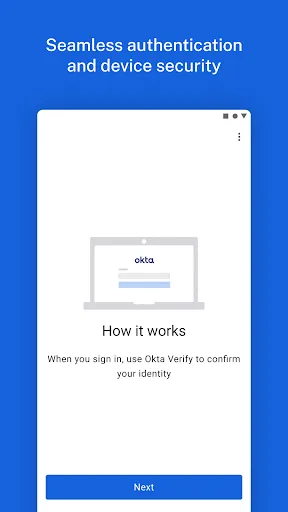
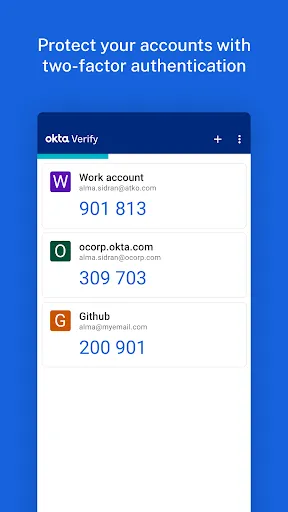
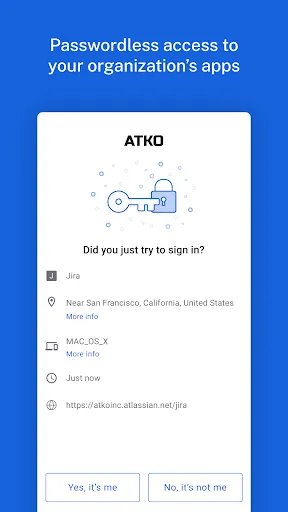
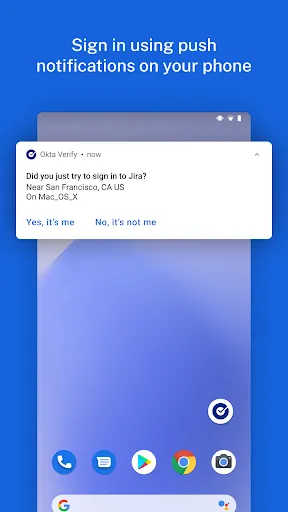
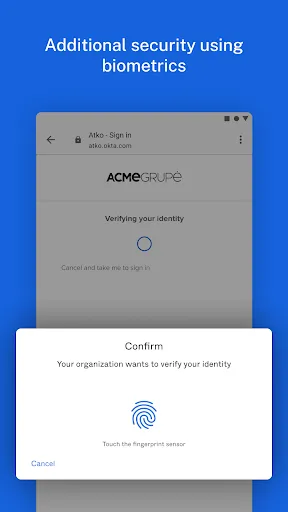
Features of Okta Verify
2-factor Verification
To make your usage of the application more convenient, you can enable 2-factor verification. After registering your device with Okta, you can enable 2-factor authentication using a 6-digit one-time password.
Biometrics
Set up biometric authentication for your applications so that the app content is more secure. Once you set fingerprint recognition or facial recognition, then only you can open the locked app. Note that whether this feature can work normally depends on if your device supports biometrics.
Tips
🙋 Allow Okta Verify to use the camera.
To be able to scan QR codes when registering your device with Okta, be sure to turn on your device's camera access for Okta Verify.
Pros & Cons
- Secure
- Well-designed UI
- Slow
- Buggy
FAQ
Why can't I use some functions?
It is important to note that some features are only available if enabled by your IT organization. So check if your IT organization allows the relevant features.
Similar Apps
-

Antivirus - PhoneMaster
dokelike4.1 -
VPN Proxy Speed - Super VPN
TOPAPPS TECH PTE LTD4.7 -
Evernote - Note Organizer
Evernote Corporation4.4 -
PDF Reader - Viewer & Editor
Smarlong Technologies Electronics Limited3.9 -
Perplexity - Ask Anything
PerplexityAI4.6 -
Unroll.Me - Email Cleanup
Unroll.Me4.5 -
Chatbot AI - Search Assistant
Codespace Dijital4.4 -
Todoist: to-do list & planner
Doist Inc.4.5 -
Password Manager for Google Ac
lifeonfingertips3.8 -
Speechify – Text to Speech
Speechify - Text To Speech | Dyslexia Reading4.1





Trending Apps
>>-
Blink Home Monitor
Immedia Semiconductor4.3 -
HP
HP Inc.4.1 -
NFL
NFL Enterprises LLC2.9 -
McDonald's
McDonalds USA, LLC4.1 -
Music Downloader Mp3 Download
Video Downloader & Video Player Team4.8 -
PlutoTV: Stream Free Movies/TV
Pluto, Inc.3.7 -
Yahoo Mail: Email & Planner
Yahoo4.2 -
ChatGPT
OpenAI4.8 -
YouTube
Google LLC3.9 -
Led Light & 3D Wallpaper App
Tresor Tech4.4 -
Google Drive
Google LLC4.3 -
Google Translate
Google LLC4.3 -
The Weather Channel - Radar
The Weather Channel4.6